Explore country chant sound packs
Short, original chants made for room reactions, with a preview before anyone chooses a pack.
Vote to move this idea up


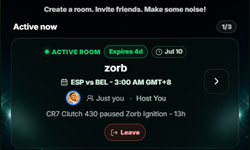
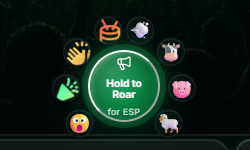
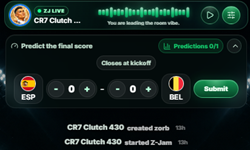
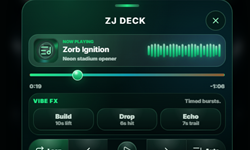
Zorb gives your friends one live room for match chat, sound blasts, score predictions, roars, and a shared ZJ soundtrack. Nothing to install.
Open a room. Send one link. Let the noise begin.
How Zorb works
Watch a room in motion, then start yours.
Zorb roadmap
See what has shipped, explore what could come next, and vote for what matters to your room.
Short, original chants made for room reactions, with a preview before anyone chooses a pack.
Capture one message, blast, roar, or reaction as a shareable moment. Room recaps already stay available separately.
Hold to talk with one speaker at a time, then release the room for the next person. Voice would stay live and would not be saved.
Messages use tighter bubbles, and reactions now behave consistently across chat, photos, and music.
The room keeps more chat visible while score predictions stay one tap away.
Good to know
No. Zorb runs in a web browser. Open the invite link, set up a fan profile, and jump in.
Chat, send sound blasts, roar for a side, predict the score, react to moments, and share music through the ZJ deck.
Yes. Premium sound packs add more blasts and matching screen effects. Save your profile to restore purchases on another device.
The host manages room access, join requests, people, the room name, and the pinned notice. The host role can be passed to someone else.
Your room is waiting
Start with one room and one friend. The noise usually takes care of itself.
Shape Zorb
Your feedback goes to the Zorb team for review. It will not be posted publicly right away.